Showing posts with label VAG Diagnostic Tool. Show all posts

Sunday, October 3, 2021

How to Remote Folding Mirrors via VCDS for Seat Leon


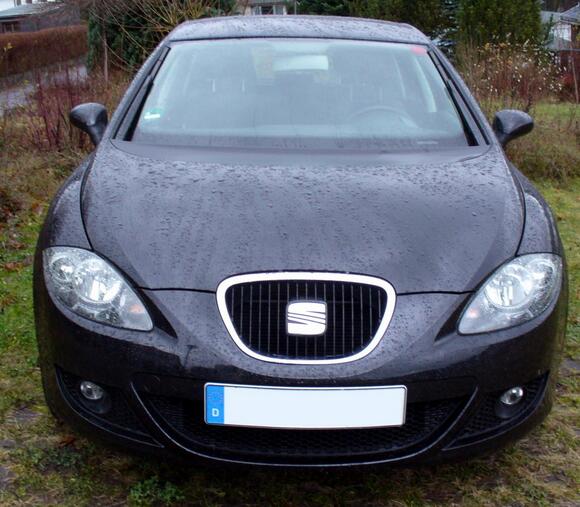
This short post will show you guide on how to set remote folding mirrors function by VCDS for Seat Lean. More function of VCDS, please refer to VCDS CASES.
How-to-Remote-Folding-Mirrors-via-VCDS-for-Seat-Leon-1

Procedures:

Connect VCDS to Seat Leon OBD port and running it.

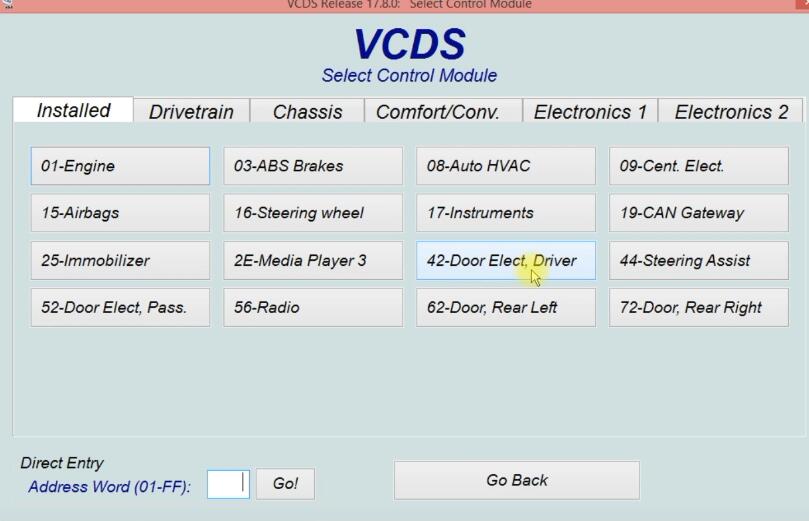
Click “Select” to select control module

How-to-Remote-Folding-Mirrors-via-VCDS-for-Seat-Leon-2

Select “42-Door Elect,Driver”

How-to-Remote-Folding-Mirrors-via-VCDS-for-Seat-Leon-3

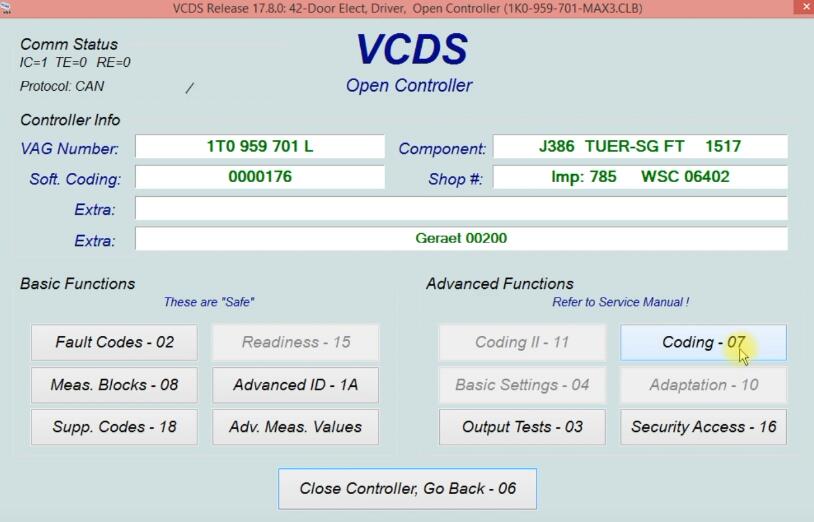
Select “Coding-07”

How-to-Remote-Folding-Mirrors-via-VCDS-for-Seat-Leon-4

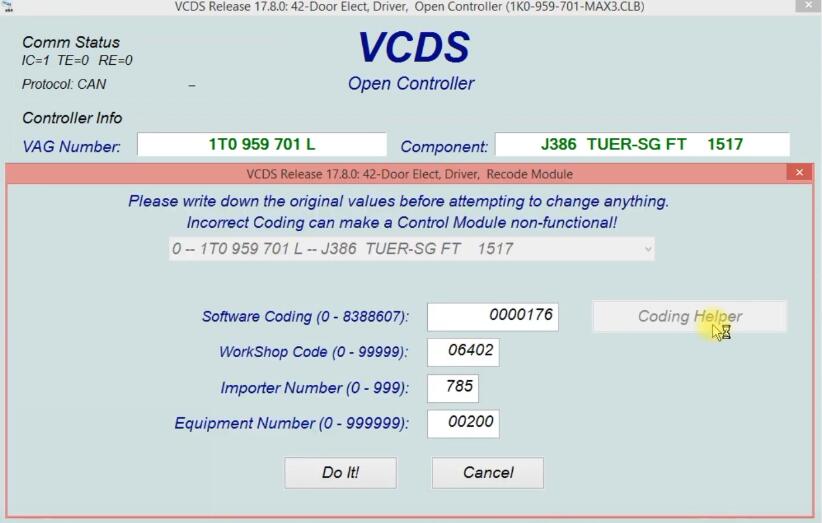
Select “Coding Helper”

How-to-Remote-Folding-Mirrors-via-VCDS-for-Seat-Leon-5

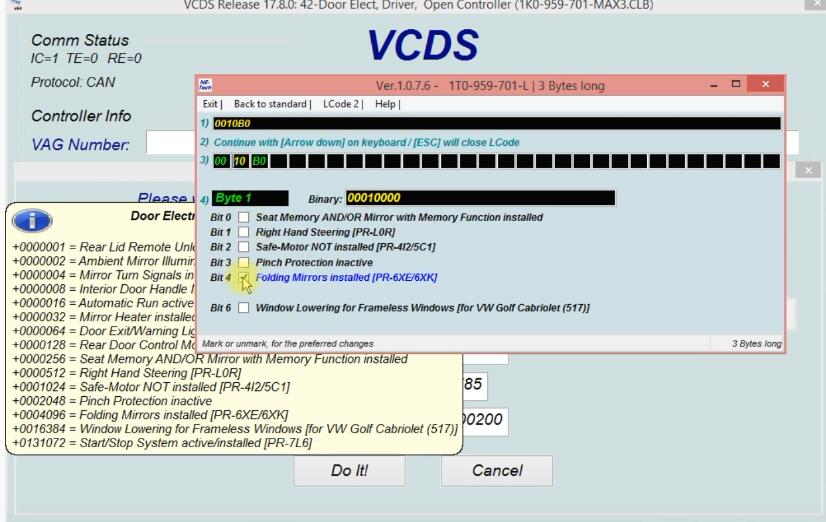
Select “Bit 4 Folding Mirrors installed”

How-to-Remote-Folding-Mirrors-via-VCDS-for-Seat-Leon-6
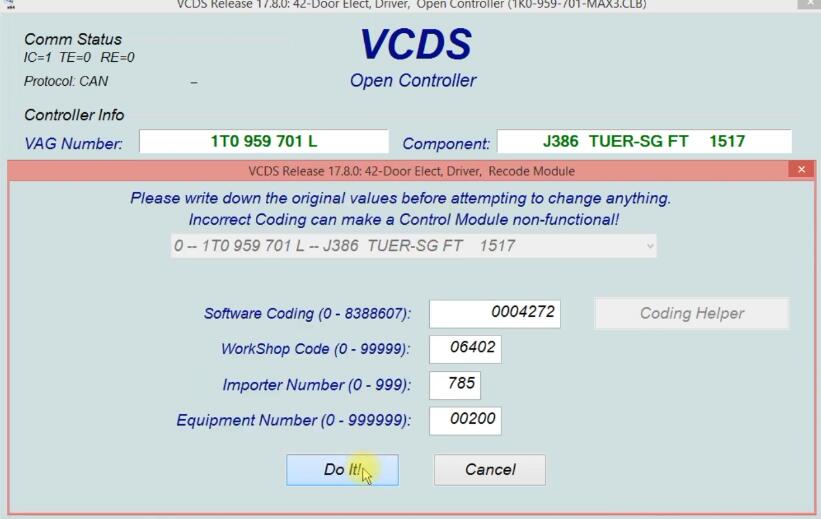
Click “Do It!”

How-to-Remote-Folding-Mirrors-via-VCDS-for-Seat-Leon-7

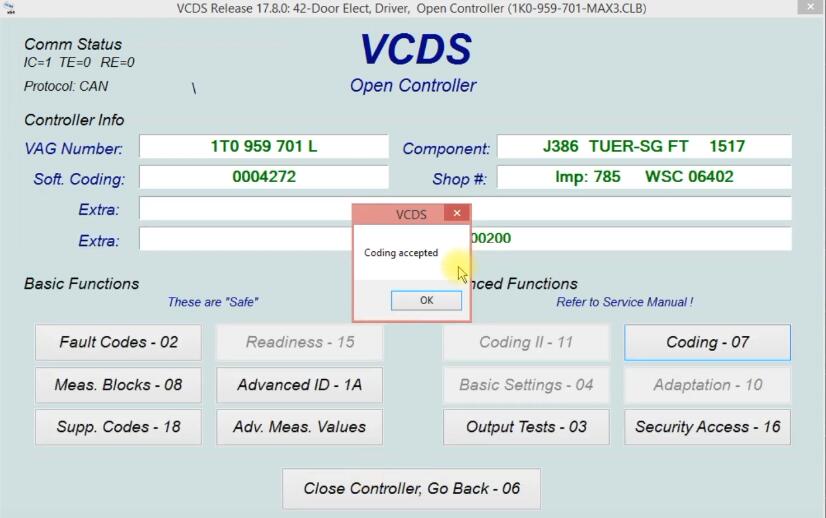
Click “OK”

How-to-Remote-Folding-Mirrors-via-VCDS-for-Seat-Leon-8

Go back and select “52-Door Elect Pass.”
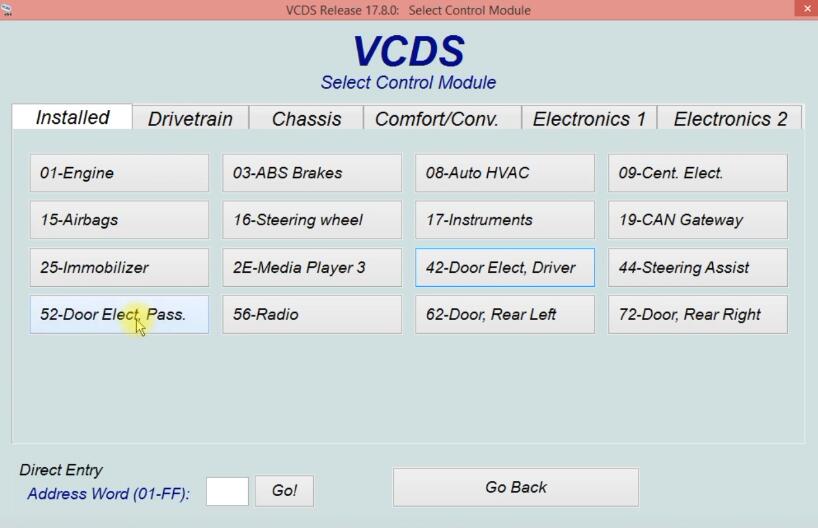
How-to-Remote-Folding-Mirrors-via-VCDS-for-Seat-Leon-9

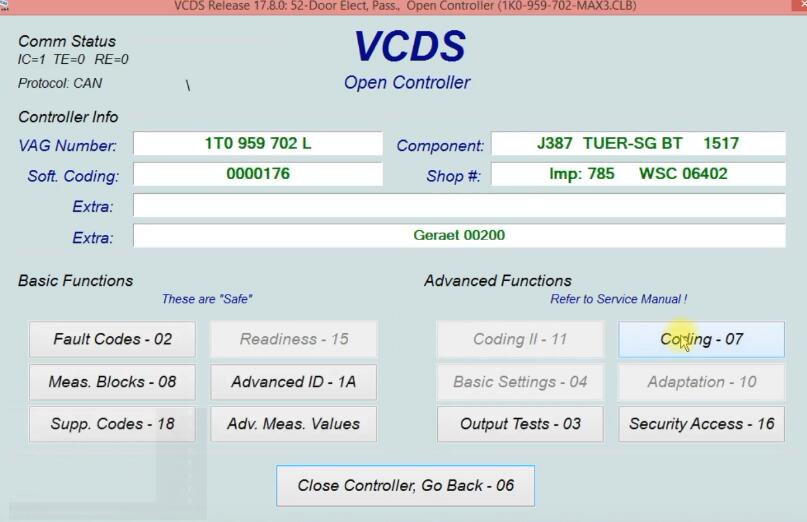
Select “Coding-07”

How-to-Remote-Folding-Mirrors-via-VCDS-for-Seat-Leon-10

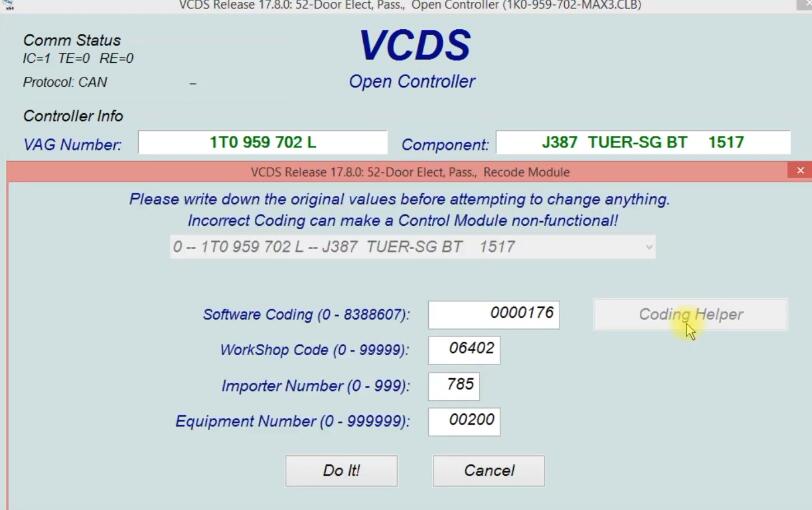
Click “Coding Helper”

How-to-Remote-Folding-Mirrors-via-VCDS-for-Seat-Leon-11

Select “Bit 4 Folding Mirrors installed”
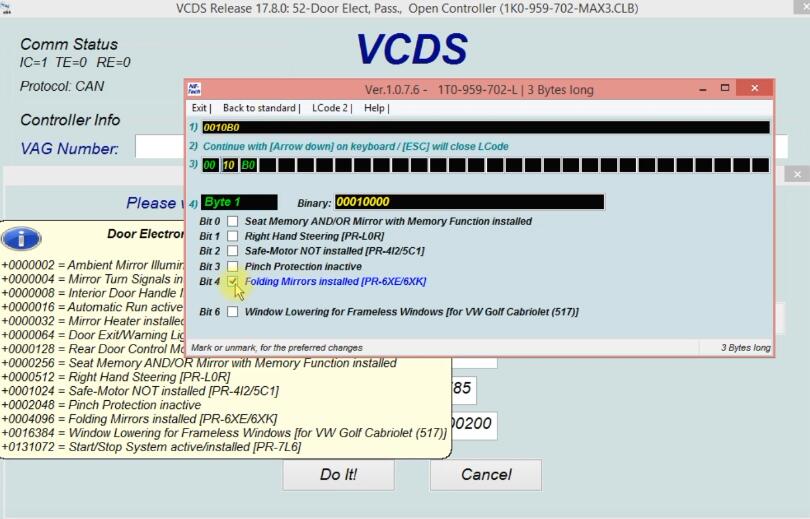
How-to-Remote-Folding-Mirrors-via-VCDS-for-Seat-Leon-12

Click “Do It!”

Coding accepted, function is ready.

If you want to know more about Seat, please visit here: Seat Trouble Repair.

Saturday, October 2, 2021

How to Clear LED Errors via VCDS for VW


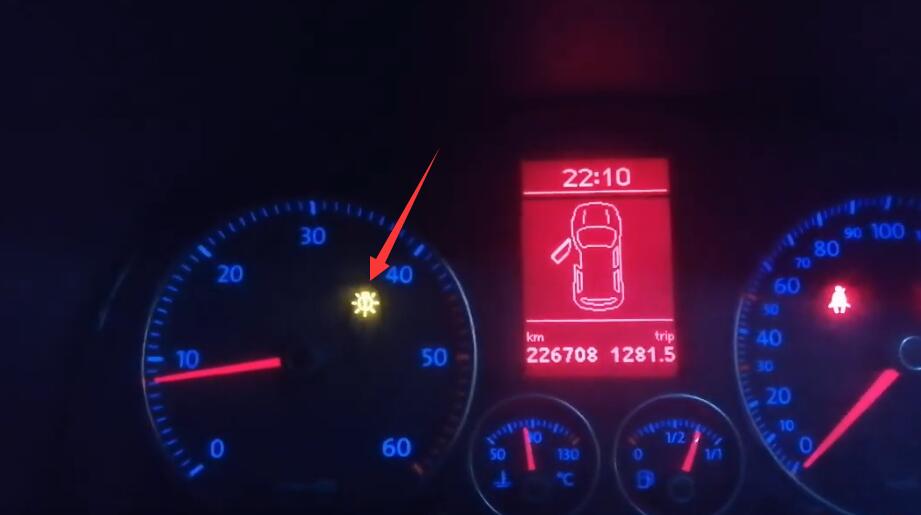
After mounting the LED bulbs on low-beam, high-beam, position lights and fog lights, there is a permanent fault on the instrument dashboard. This is why this coding using the VCDS helps to remove this fault and if one of the bulbs is defective it will be reported.

Steps:

Connect VCDS to VW OBD port, and running it.

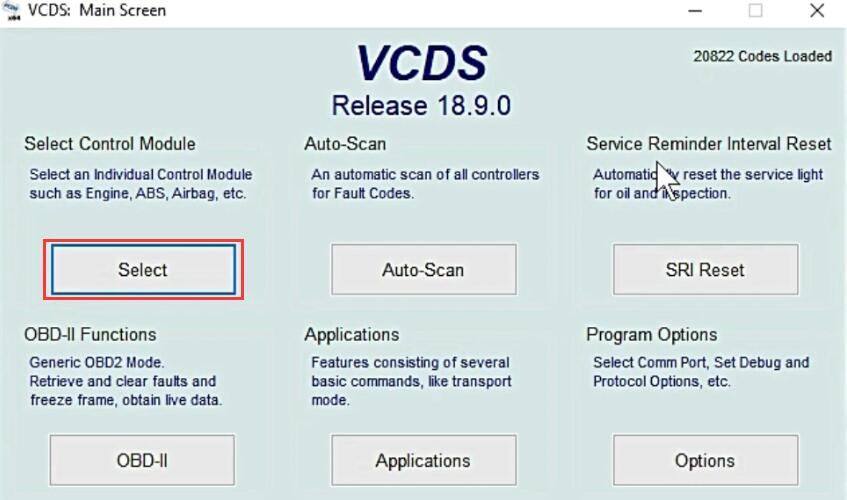
Click “Select” to select control module

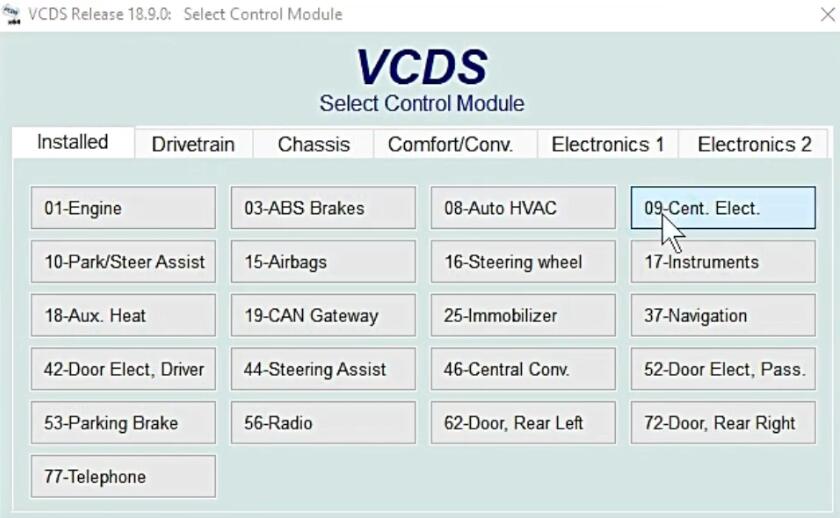
Select “09-Cent. Elect.”

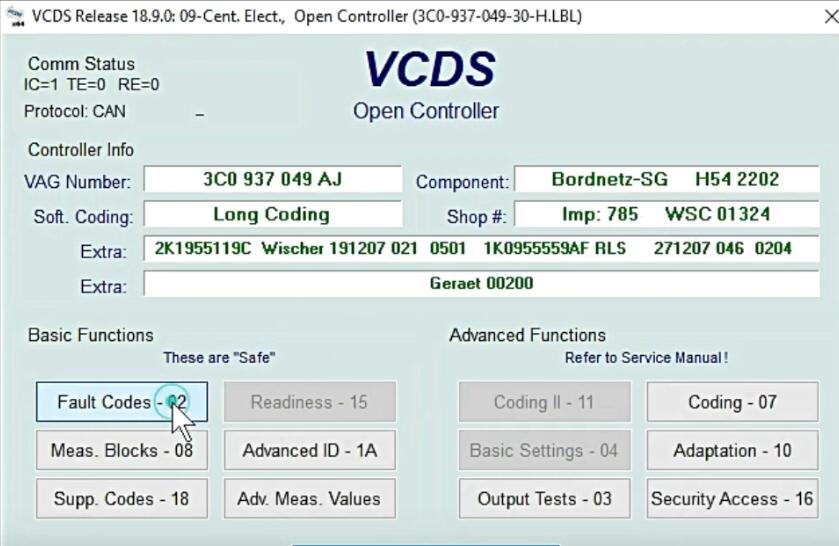
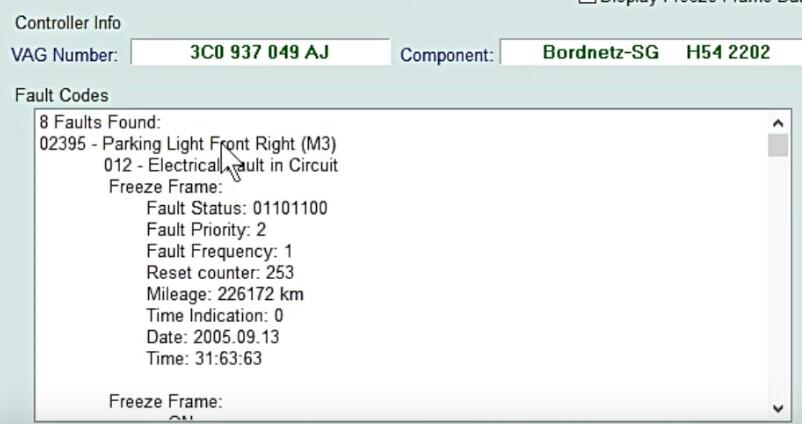
Select “Fault Codes-02”

Default fog- Light and High beam, low beam

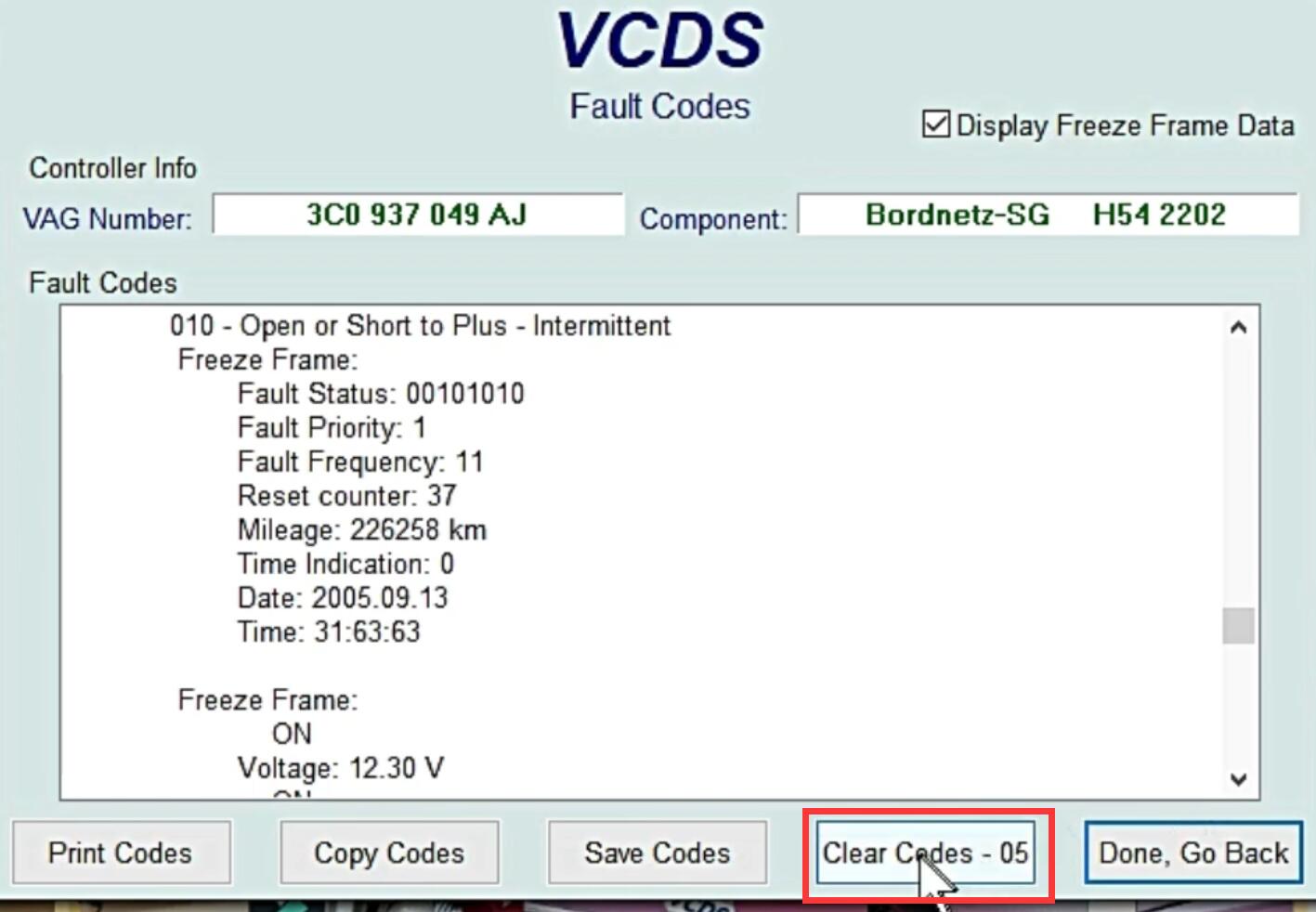
Click “Clear Codes -05”

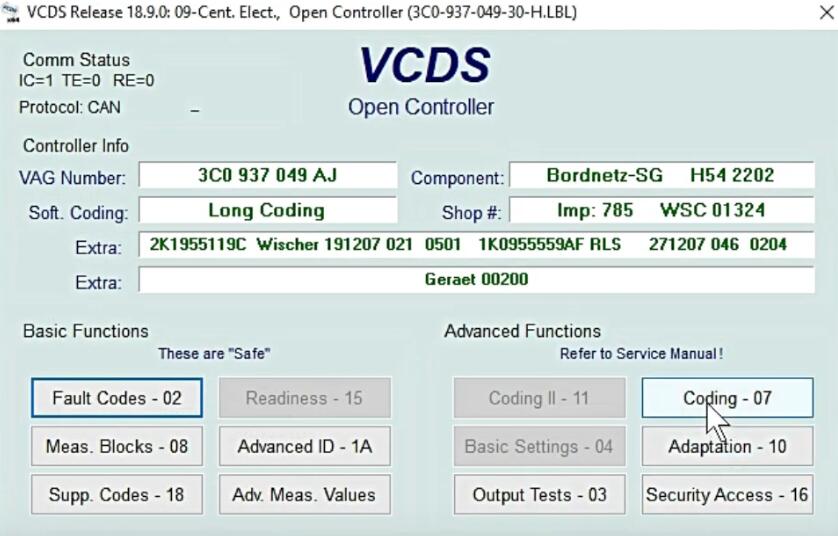
Go back and click “Coding -07”

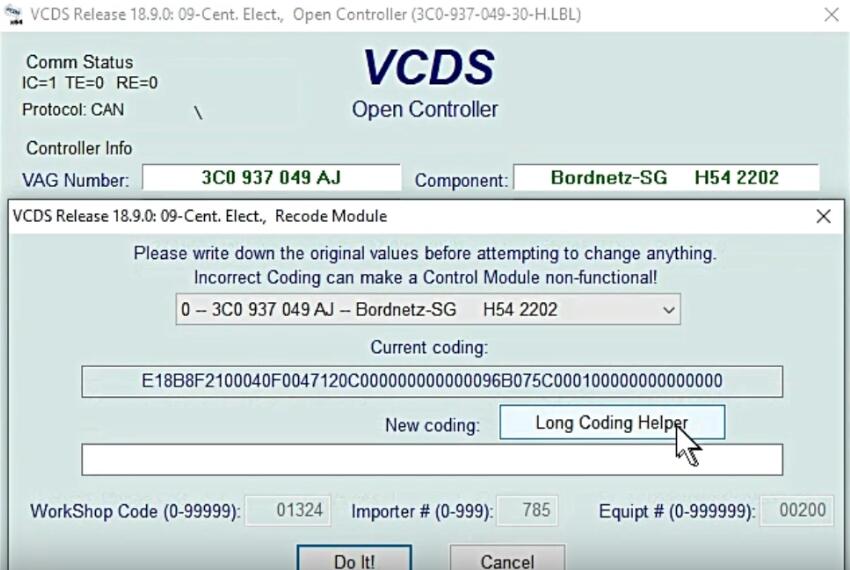
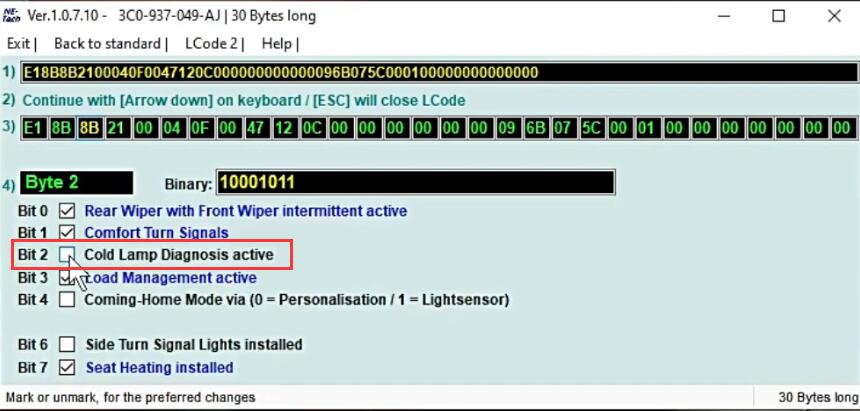
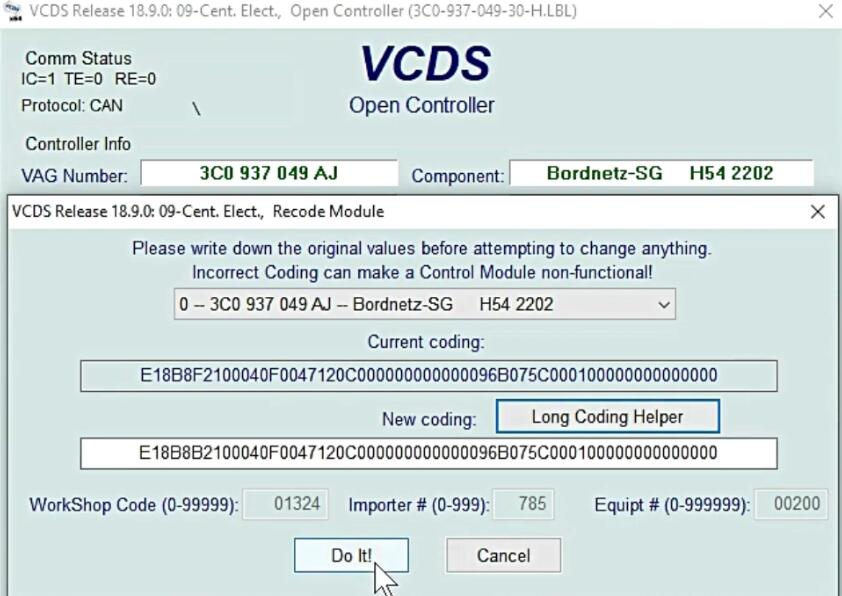
Click “Long Coding Helper”

Remove tick from Bit 2

Exit, then click “Do It!”

Coding accepted.

More cases about VW, please refer to VW Trouble Repair.

Sunday, June 10, 2018

Retrofitting Adaptive Cruise Control to 8V RS3

Questiones:
I am now planning to keep this car until its four year warranty expires in May 2020. In which case I shall, if possible, fit ACC.
This is meant to be a simple procedure providing the car is fitted with the right instrument cluster and CAN gateway. (Kufatec tell me this anyway… apparantly it is wiring in the radar and some reprogramming…)
Kufatec want to know, from diagnostics, what the part numbers are for these items as fitted to the car from diagnostics and not the parts catalogue. My VCDS know-how is pretty basic, so can anyone help me locate where I can find the CAN gateway part number please? I might be ok with the instrument cluster, but this too would help!

Answer:
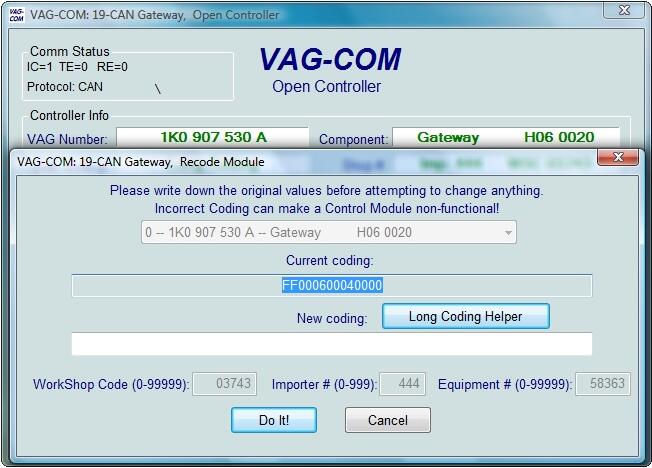
Go into VAGCOM 18.2 select 19 can Gateway
You’ll see something like this
Part number SW version etc
1-1