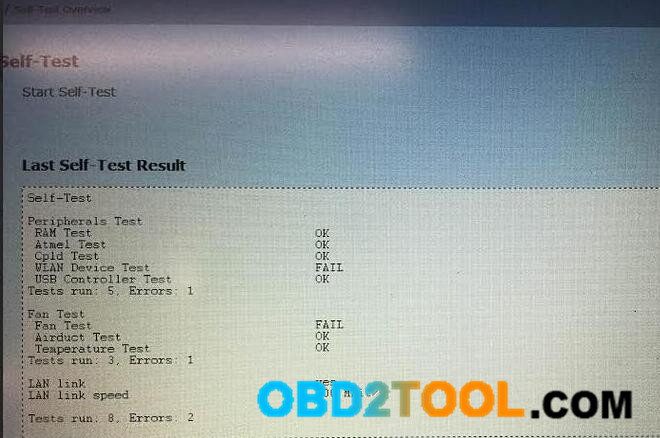
Here is the BMW ICOM Software update instruction.
Note: please free download firmware update files first!
ICOM-ApplicationImage-01-40-05.bin
ICOM-BootImage-01-25-02.bin
1 Connect ICOM A1 / ICOM A2 to PC via wired network connection.
Connect ICOM A1 / ICOM A2 emulator to the vehicle or power on the emulator via 12V power adapter.
2 Open Internet Explorer
User name: root
Password: NZY11502
User name: root
Password: NZY1150263
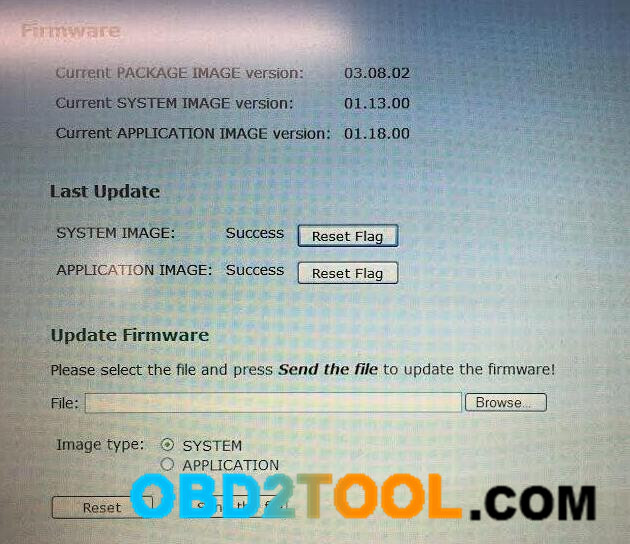
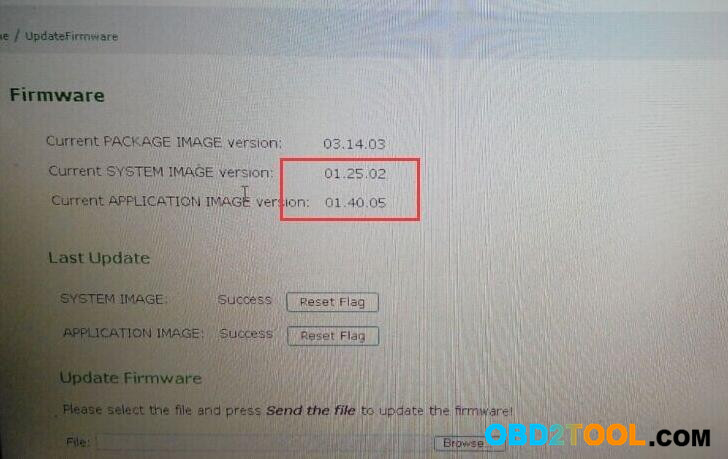
3 Click “Update Firmware“, to get the ICOM firmware version.
4 Select file “ICOM-BootImage-01-25-02.bin”, to set image type as SYSTEM, then click “Send the file“.
5 Prompt: Write the image file to the flash?
Select Yes, and the light on ICOM mux will turn red.
6 Prompt: The SYSTEM IMAGE update was successful.
Click “Update Firmware“.
7 Select file “ICOM-ApplicationImage-01-40-05.bin”, to set image type as APPLICATION, and then click “Send the file“.
(several minutes needed)
8 Prompt: Write the image file to the flash?
Select Yes, and the light on ICOM mux will turn red for the second time.
9 When all is ok, click “reboot“.
Ps. the ICOM firmware version display
NOTE: change the local network connection, that is, set automatically obtain local network connection
Two update files are available. Use the small-size first, then the big-size.
When using the small-size file, select SYSTEM.
When using the big-size file, select APPLICATION.
http://forobd2tool.com/blog/2017/08/21/how-to-update-icom-a-a2-firmware-for-rheingold-2015-11/