The coding procedure can be applied to All Porsche Models.
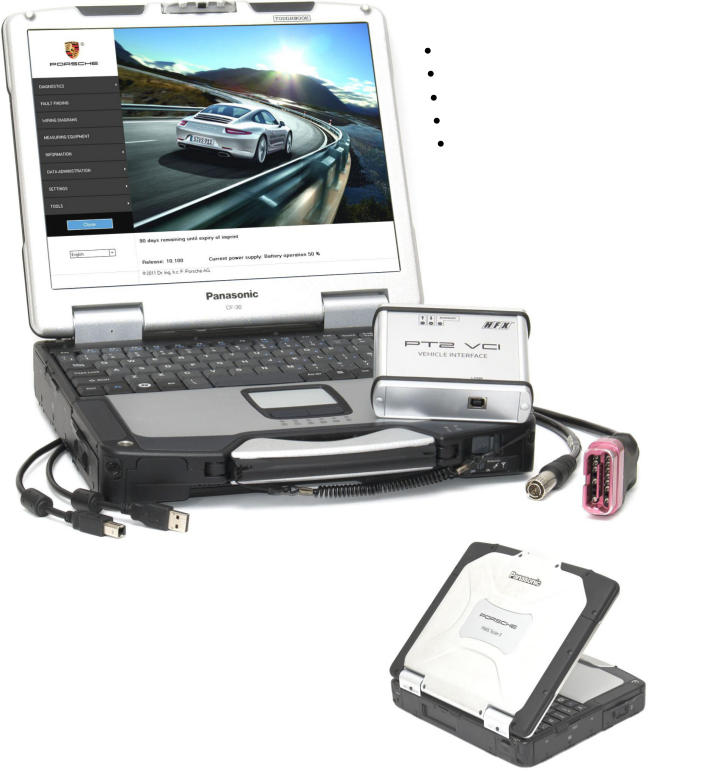
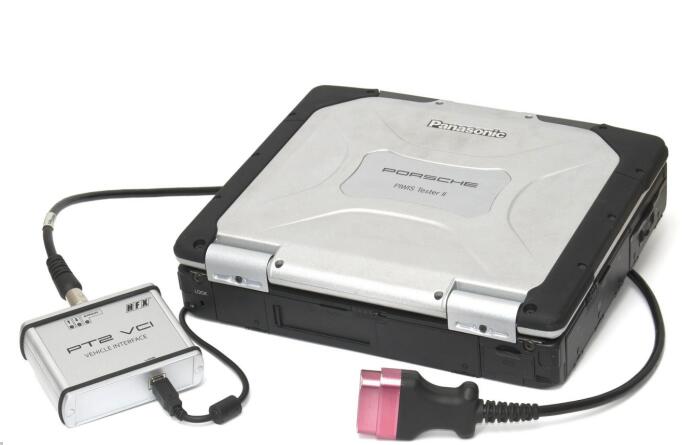
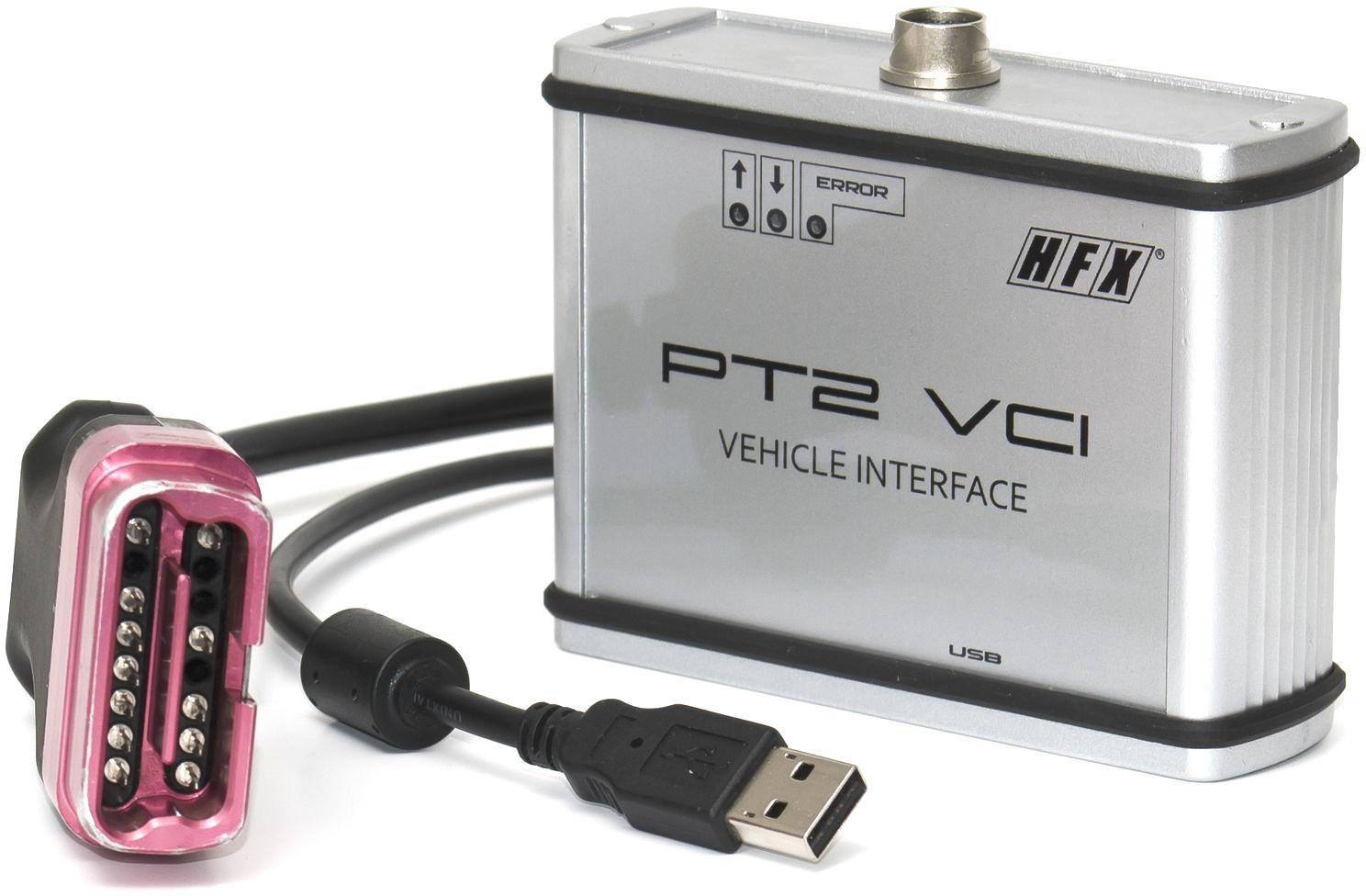
Diagnostic system required: Porsche Piwis ii, PIWIS Tester III
PSE retrofit coding is done as follows:
The sports exhaust system button can only be coded on the right-hand side of the switch console.
Code keypad assignment.
REPLACING SWITCH CONSOLE (ALL MODELS) > ENABLING SPORT/SPORT PLUS/SPORT CHRONO PLUS FUNCTION
Information
On vehicles with the equipment variant SPORT/SPORT Plus/Sport Chrono
Plus, a function enable process must be carried out after replacing the
switch console.
1. Determine function enabling code in PIWIS.
2. Connect the Porsche PIWIS Tester to the vehicle and start the System Tester. Switch on ignition.
3. Select the vehicle type and start the PIDT.
4. Select Air conditioning control unit using the cursor keys and press [F12].
5. Select Drive links/checks .
6. Select Function enable using the cursor keys and press [F12].
7. Enter the function enabling code and save it by pressing [F8].?
REPLACING SWITCH CONSOLE (ALL MODELS) > ENABLING SPORT/SPORT PLUS/SPORT CHRONO PLUS FUNCTION > CODING KEYPAD
ASSIGNMENT
1.Connect the Porsche PIWIS 3 to the vehicle and start the System Tester. Switch on ignition.
2. Select the vehicle type and start the PIDT.
3. Select Air conditioning control unit using the cursor keys and press [F12].
4. Select Codings/adaptations .
5. Select Customer-specific settings using the cursor keys and press [F12].
6. Select Keypad assignment and press [F12].
7. Check the button assignment using the switch console.?
7.1. Select function of the switches from the shortcut menu if necessary.?
8. Press [F8] to save the button assignment.
9. The message Data has been written appears on the Tester screen. Press [F12] to exit.
10. Read out the fault memory and erase it if necessary.
11. Check the function of the switch console during a test drive.?
Maintenance of vehicle data
Select Additional menu by pressing F7 .?
Select the Maintenance of vehicle data function. Press F12 until M numbers? appears in the Value group column.?
Select 176 – Sports exhaust system in the Coding value column. When you? touch the Installed cell, a tick appears.?
Save the values by pressing F8 . Wait until the message Modified values have? been buffered appears.?
Press F12 until F8 can be activated.?
Press F8 to write values. Wait until the message Generation of vehicle data is? complete appears.?
Press F12 to switch to Log management. Open the log by pressing F10 and?
check that vehicle equipment 176 Sports exhaust system is displayed.?
Adapt coding
Press F11 to return to the list of control units.?
Select all control units.?
Switch to the Codings/adaptations menu.?
Select Automatic coding. Press F12 to continue. Wait until the message
Coding has been completed successfully appears. Press F12 to continue.?
Once coding is complete, read out the fault memories of all systems,
work through any existing faults and erase the fault memories.